How to Share Your Vacation Property with Guests Without Creating Accounts
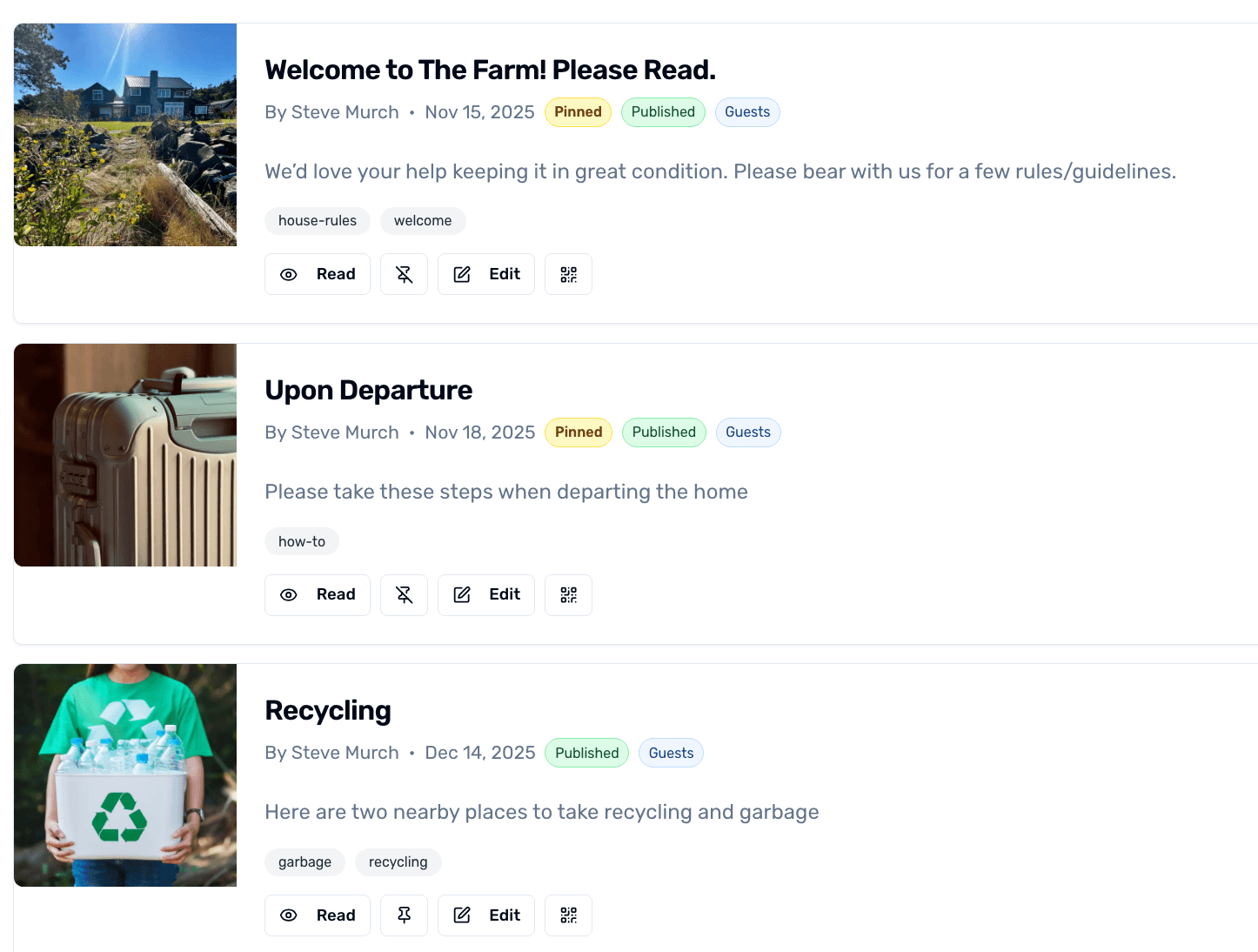
Guests don't want to make an account just to find the WiFi password. The Guest Access Portal lets you send a single link that hands them everything they need for a stay at your shared vacation home — house rules, WiFi, emergency contacts, departure checklist — without forcing a signup.
Step-by-step
- 1
Open the Guests tab on your property
From your property dashboard, open the Guests tab. You'll see existing access codes and a button to create a new one.
- 2
Create a guest access code
Click New Guest Access. Pick a label (e.g. 'The Smith family — June'), a start date, and an end date. OurSharedPlace generates a unique link.
Guest Access Portal for a shared vacation property
- 3
Send the link to your guest
Email or text the link to your guest. When they open it, they see a clean property page with WiFi, house rules, photos, contacts, and any checklists you've marked as Guest-visible. No login.
- 4
Revoke or extend later
From the same Guests tab, you can extend a guest's window if their stay is running long, or revoke the link if it gets shared with someone you didn't intend.
Tips
- Mark your departure checklist as 'Guests' visibility so it appears on the portal automatically — no extra step.
- Pair this with the embed calendar link to give guests a self-service view of when they need to be out.