How to Add Local Contacts and Service Providers to Your Vacation Property Directory
When something breaks at the cabin and you're 300 miles away, the difference between a 10-minute fix and a weekend disaster is whether anyone in the group can find the local plumber. OurSharedPlace gives every shared vacation property a built-in contact directory.
Step-by-step
- 1
Open the Contacts tab
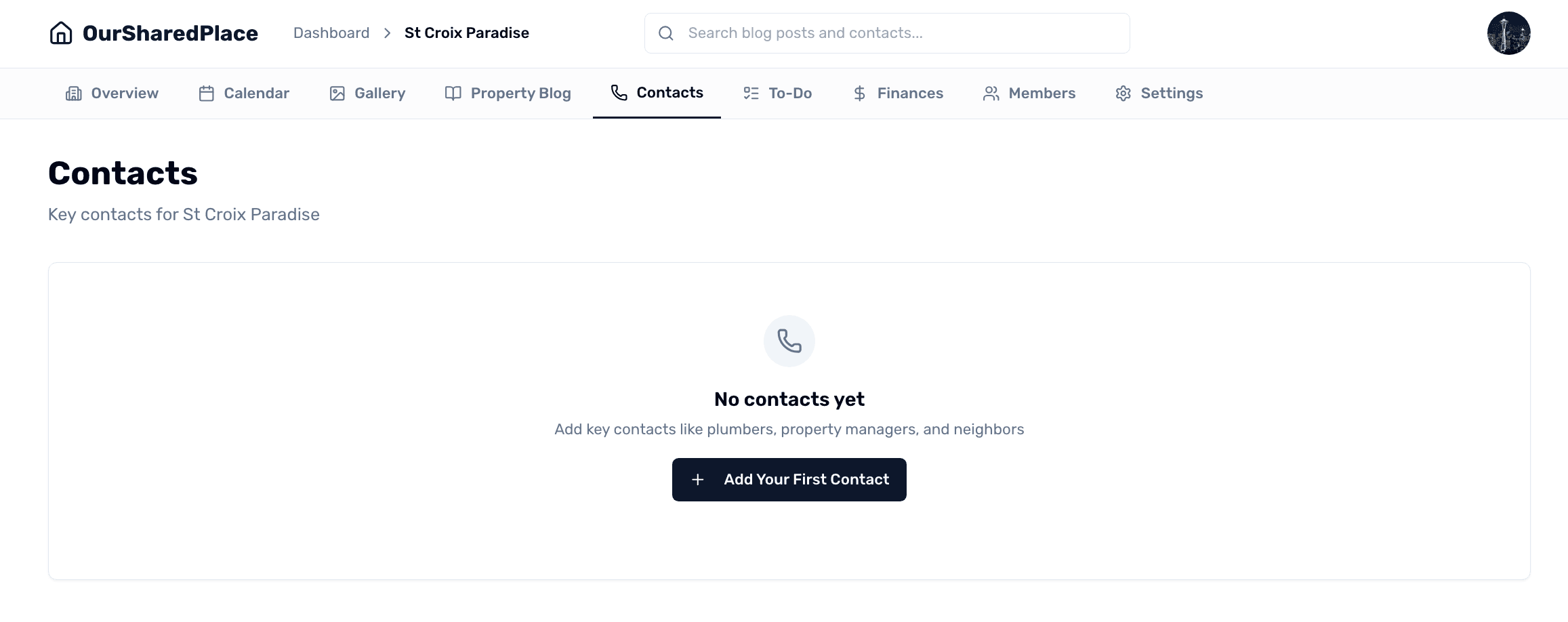
From your property dashboard, open the Contacts tab. Click 'Add Contact'.
Local contact directory for a shared vacation home
- 2
Fill in the details
Add the person or business name, category (plumber, electrician, neighbor, cleaner, etc.), phone numbers (multiple if needed), email, address, and notes. Notes are great for context like 'prefers text after 5pm' or 'has a key'.
- 3
Make contacts visible to everyone
By default, contacts are visible to all members. Set a contact's visibility to 'Guests' if you want it to appear on the guest portal too — useful for emergency numbers and the local hospital.
- 4
Search or browse
From the Contacts tab, search by name or filter by category. Tap a contact to see all their info and tap a phone number to call directly from a phone.
Tips
- Add neighbors as contacts even if they're not service providers — they're often the fastest source of 'is the power out at the house?'.
- Mark a single 'Property Manager' contact and pin it to the top so emergencies have one obvious starting point.