How to Integrate OurSharedPlace with Home Assistant and Other Smart Home Dashboards
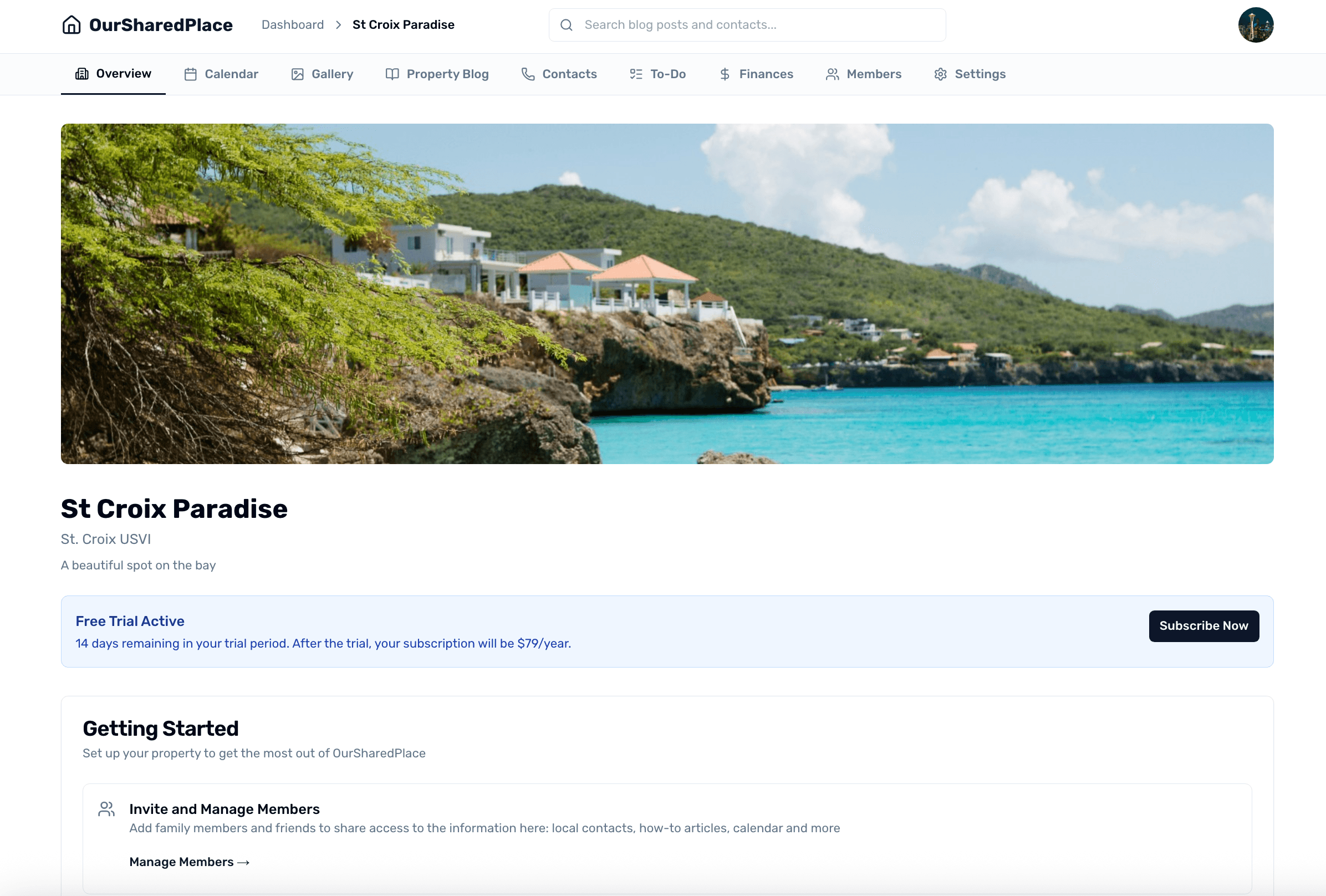
If you run Home Assistant (or another smart home dashboard) at your shared vacation property, you probably already have a tablet on the wall in the kitchen, hallway, or entryway. That tablet is the perfect surface for the OurSharedPlace calendar, the property articles (WiFi password, hot tub instructions, fireplace walkthrough), the contact directory, and the active departure checklist — all visible at a glance to whoever is staying.
OurSharedPlace makes this work through embed tokens: token-protected URLs that render a read-only view of one piece of your property. Drop the URL into a Home Assistant Webpage card (or any iframe-friendly dashboard) and your co-owners and guests see the live data without ever logging in.
Step-by-step
- 1
Open Embed Links in your property settings
From your shared vacation home in OurSharedPlace, open the property settings and find the Embed Links section. This is the master list of every embed token for the property — calendar, articles (blog), contacts, checklists, and to-dos.
- 2
Generate a token for each surface you want on the dashboard
Click Generate beside each surface you want to display. OurSharedPlace creates a unique, hard-to-guess URL per surface. Copy the URLs — you'll paste each one into its own dashboard card.
- Calendar — upcoming bookings, who's staying when.
- Articles — your property blog (WiFi, hot tub, fireplace walkthroughs).
- Contacts — local plumber, electrician, neighbors.
- Checklists — the active Departure or Cleaning list.
- To-Dos — open tasks for the property.
- 3
Add a Webpage card in Home Assistant
In Home Assistant, edit the dashboard you want to use and add a new card. Choose the Webpage card type. Paste the embed URL into the URL field, set a height (700px works well for the calendar; 500px for shorter surfaces), and save.
- 4
Repeat for each surface
Add one Webpage card per embed URL. A typical kitchen dashboard at a shared vacation property has the calendar at the top, the active checklist on the side, and a quick link to the WiFi article. Use the dashboard's grid layout to size them however you want.
- 5
Use it on other dashboards too
Embed tokens are framework-agnostic — they're just URLs that render in any iframe.
- Hubitat / Homey: use any iframe-style tile or web view component.
- Generic kiosk tablets (Fully Kiosk Browser, etc.): point the browser at the embed URL directly.
- Notion / company wiki: paste and choose 'Create embed'.
- Plain HTML page: <iframe src="YOUR_EMBED_URL" width="100%" height="700" />.
- 6
Treat each token like a shareable link
Anyone with an embed URL can see that surface, so don't post the URLs publicly. If a token is exposed (or you stop trusting whoever has it), regenerate it from property settings — the old URL stops working immediately and a new one takes its place. Update your dashboard cards with the new URL and you're back in business.
Tips
- Embed views are read-only by design — viewers can see bookings and articles, but only signed-in members can request bookings or edit anything. That makes them safe to display on a tablet anyone in the house can touch.
- Embed views never expose member contact info or private booking notes. Calendar embeds show the booking-holder's first name only.
- Pair the calendar embed with a Home Assistant automation: when the next booking starts within 24 hours, send the family a notification to bring their dashboard up to date.
- If you also use MasterCalendar.io for two-way iCal sync with Airbnb or VRBO, the OurSharedPlace embed calendar still works alongside it — they're independent.
Frequently asked
Do my Home Assistant dashboards need to be exposed to the internet?
No. The embed URL points at oursharedplace.com — Home Assistant just iframes it. Your Home Assistant instance can stay strictly local-network.
What if my Home Assistant instance is offline / I'm not home?
The embed URL works from anywhere with internet — phones, laptops, tablets at another property. Bookmarking the embed URL on a phone is a reasonable lightweight 'always-on calendar' setup if you don't run Home Assistant at all.
Can guests interact with the calendar through the dashboard?
No — embed views are read-only. They can see what's booked but cannot request, modify, or delete a booking. Members who want to act on the calendar sign in to OurSharedPlace as usual.
Will the embed update in real time?
Yes. Each embed renders the latest data on every page load, so refreshing the Home Assistant tile (or letting Home Assistant auto-refresh the Webpage card) brings in the latest bookings, articles, and checklist state.